The iPad Pro and Apple Pencil 2 are my favorite art tools, hands down. (Learn all about iPads here.) They’re the only tools that have ever come close to replacing my box of drawing pencils and sketchbook.
There’s just something uniquely intuitive about the pairing of the Pencil and Pro that makes me want to draw, sketch, paint, and take handwritten notes. And I’m not alone. The app ecosystem that sprung up around the Apple Pencil and iPad Pro is growing fast as more and more professional graphic artists ditch Wacom and Windows for Apple and iPadOS. If you’re an aspiring digital artist, or a seasoned pro looking to make the leap, here are the apps you should try.When you buy something using the links in our stories, we may earn a small affiliate commission. Here’s how it works.
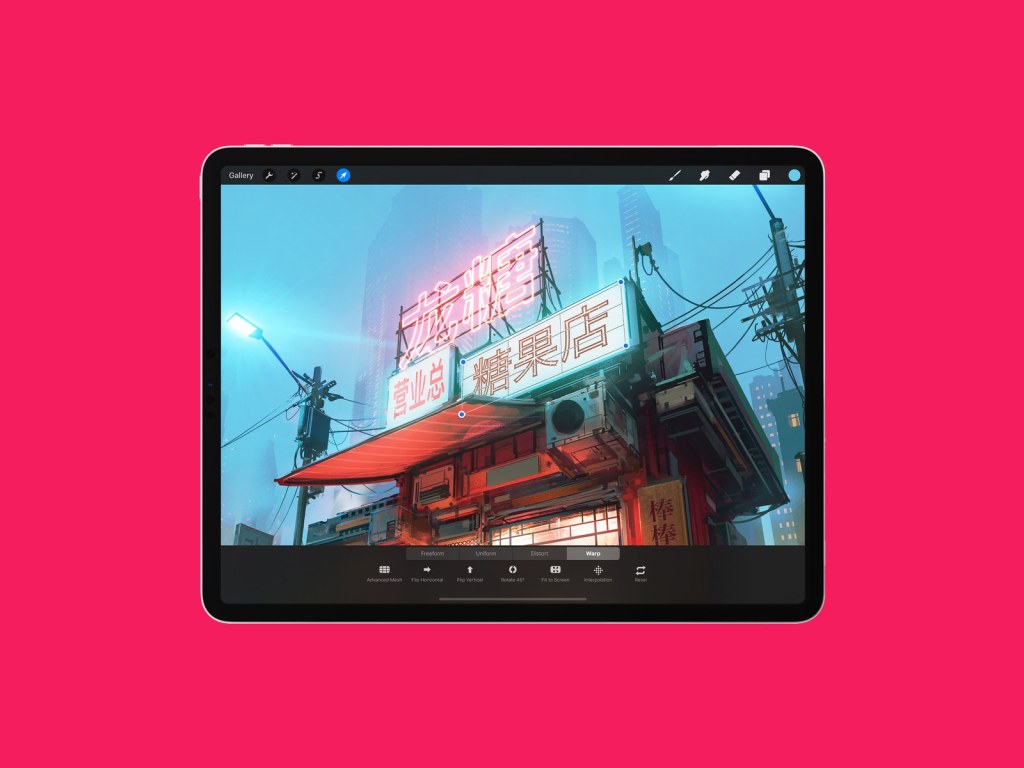
- When you’re getting started as a digital artist on iPadOS, Procreate is a name you’ll hear over and over. There’s a good reason for that. Procreate is a fully-featured art creation app chock-full of professional-grade features. You can import brushes or create your own and edit everything from texture to flow dynamics and pressure curves. It’s intuitive and purpose-built for iPadOS. The UI is designed for the Apple Pencil and it shows. It’s not a desktop app shoehorned into iPadOS; it’s a purpose-built mobile art studio for professionals—one that’s very easy to learn.

 daricreative